One library. Many generations.
Arcade machines, consoles and computers: available platforms depend on macOS cores and your Mac’s architecture.
Rediscover the game that made you lose track of time. Your collection, your controller, one app: press Start again on your Mac.
macOS 13 or later · Apple Silicon & Intel
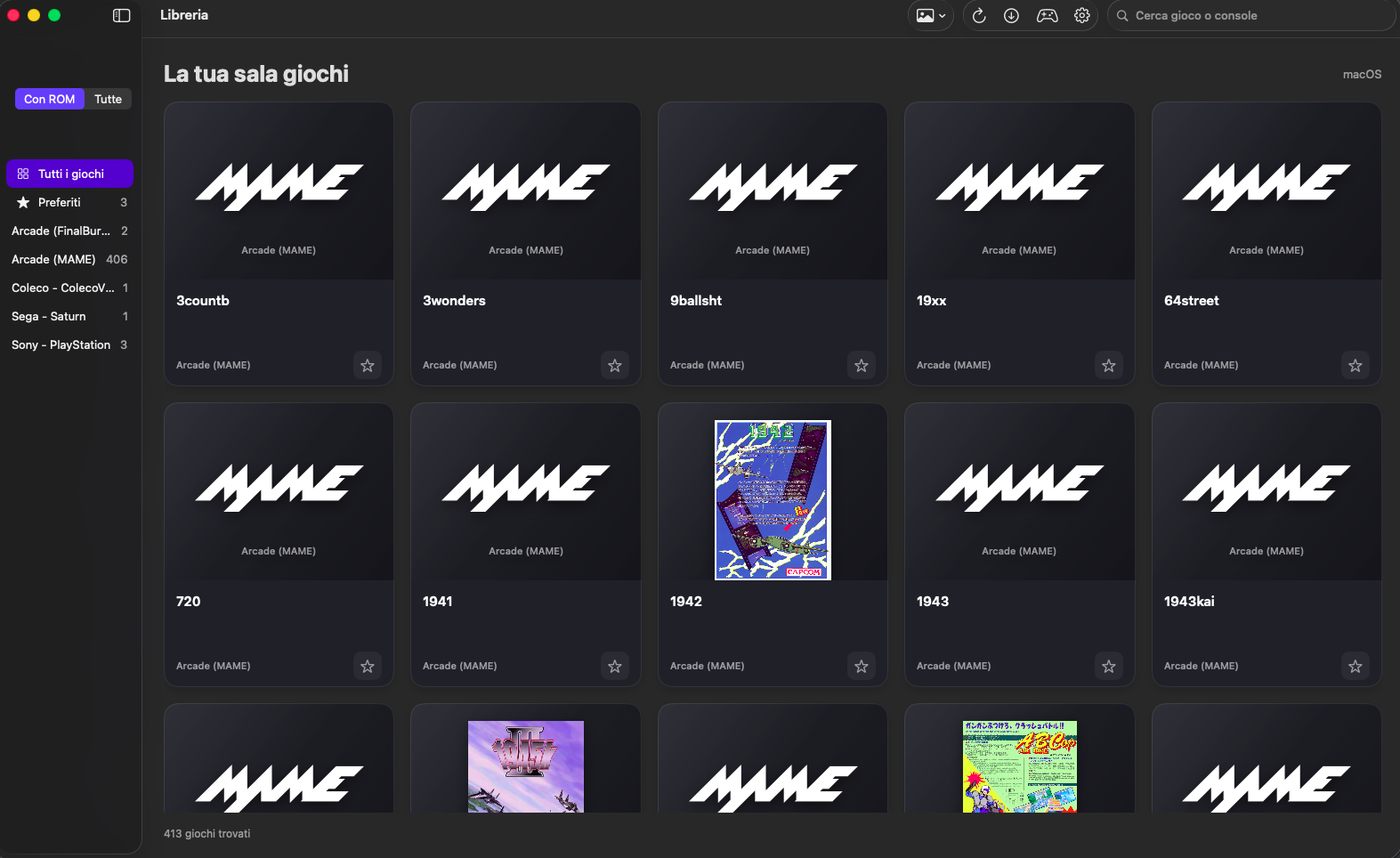
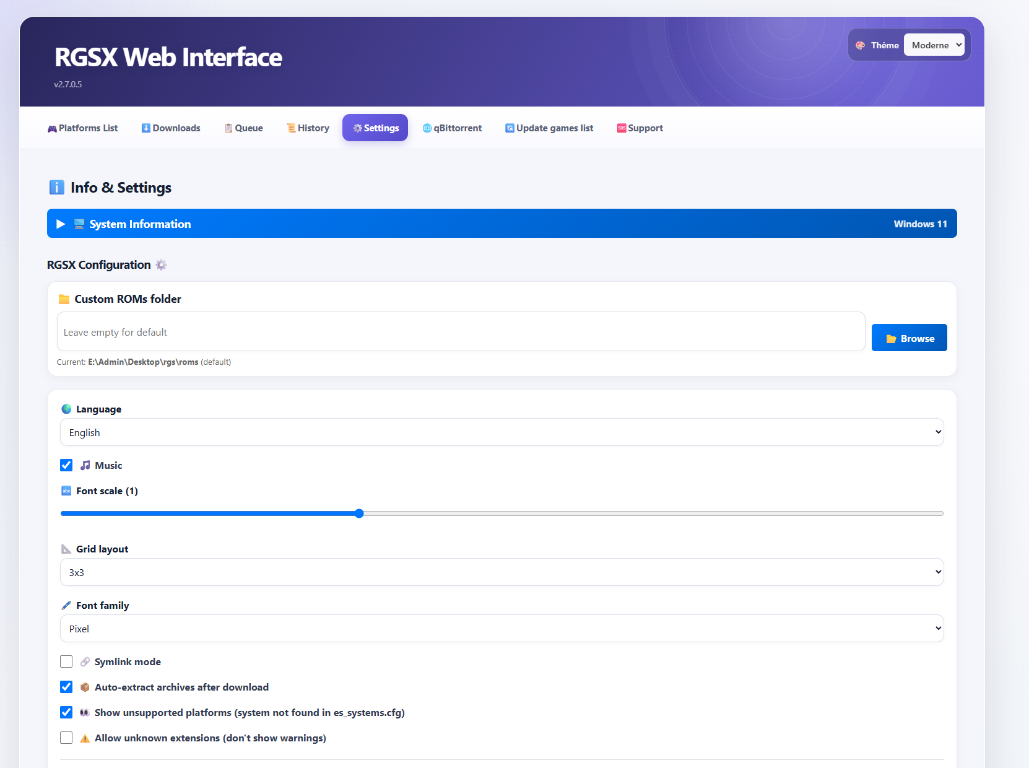
The available capture shows the RetroMac library. RGSX images are references from the original project, not screenshots of the macOS beta. Open any image to enlarge it.
Open screenshot ↗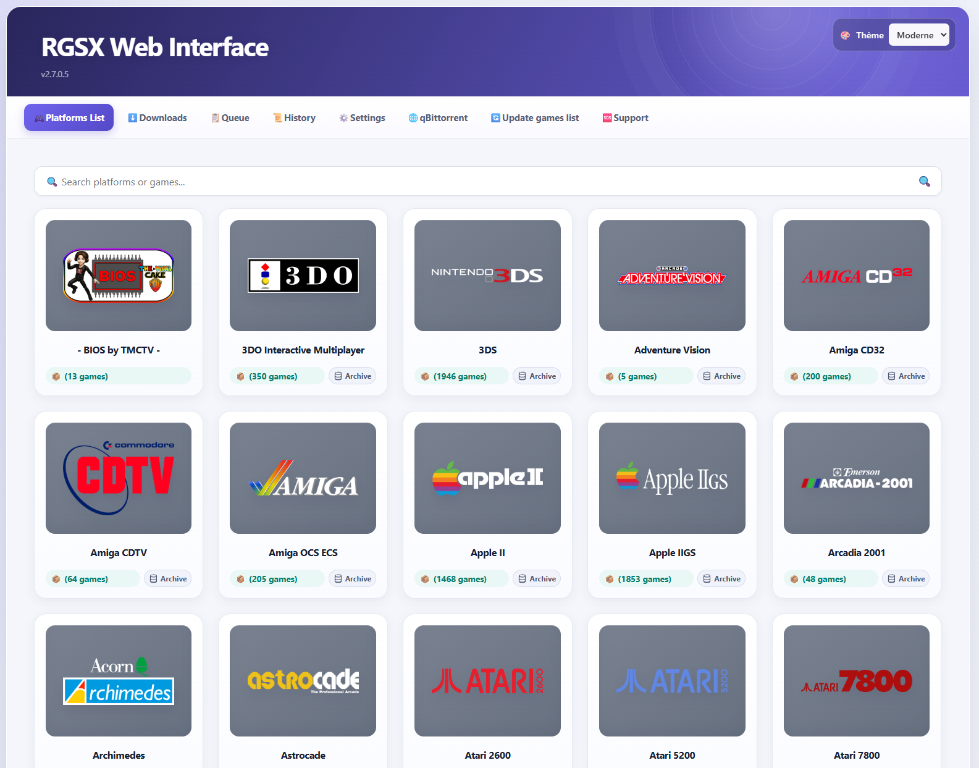 Open screenshot ↗
 Open screenshot ↗
Covers, details and collections that bring your games to life. Find a title in a moment and get back to playing.
Search games and consoles, browse the alphabet index, save favorites and build collections. Even a large library becomes easy to explore.
Manage RetroArch and cores from the app. Map your keyboard and controllers, choose an alternative core and check required files before launch.
TV mode, multidisc games, automatic saves, backups, video settings, filters and rewind with compatible cores. Configure a console or an individual game.
One app to organize, configure and play.
Arcade machines, consoles and computers: available platforms depend on macOS cores and your Mac’s architecture.
Cover scraping, descriptions, metadata, images and videos when available. Edit the details directly in the app.
Map your keyboard and up to four players. Browse with your controller and use TV mode for a bigger screen.
Automatic states, manual slots and save backups. Support depends on the core and content.
Aspect ratio, resolution, filters and core options. Game preferences override console preferences.
Your games and saves live separately from the app. Signed updates arrive from the website through the built-in updater.
NES, Super Nintendo, Mega Drive, PlayStation, Game Boy, Amiga, MAME and many more platforms in the macOS core catalog.
Explore all systemsInstall RetroMac on your Mac. The app guides you through setting up RetroArch and cores.
Your default library lives in Documents / RetroMac. Put your files in the folder for the matching console.
Connect a controller or use your keyboard. Map your controls and launch a game straight from the library.
Yes. RetroMac is distributed free of charge through its official website.
No. RetroMac is a frontend for your own library. Games and BIOS files are not included; use files you are entitled to use.
Integrated features — cores, controls, saves and compatible settings — are managed from RetroMac. RetroArch remains the emulation engine used by the app.
The project supports both architectures, with macOS 13 or later. Available systems and performance depend on cores and hardware. Check the package architecture on the Download page.
No. You need macOS cores matching your Mac’s architecture. RetroMac manages native core installation.
When a new signed release is published, the built-in updater offers it. Your library and saves remain separate from the app.
Your next arcade starts here.
Thank you to RetroArch and RGSX: two projects that make this adventure possible.
If I helped you rediscover that “just one more game” feeling, you can help keep the project going. You bring a slice, I keep writing code. Extra mozzarella is always welcome.
Buy me a pizza with PayPal ↗RetroMac stays free. The pizza is optional.